
Transform your photos with 90+ artistic filters, glitch effects, neon overlays, AR masks, and portrait-style depth blur — all on your iPhone.
Download on the App Store
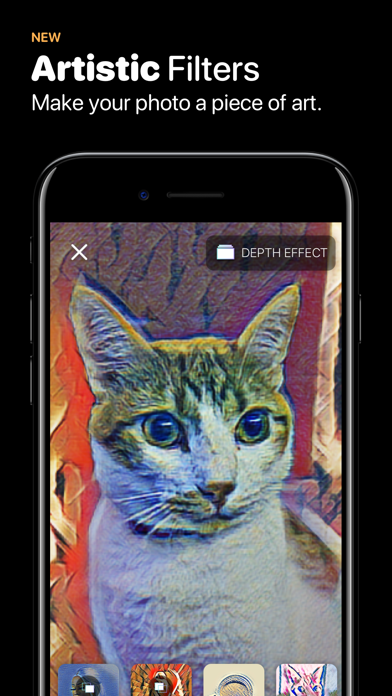
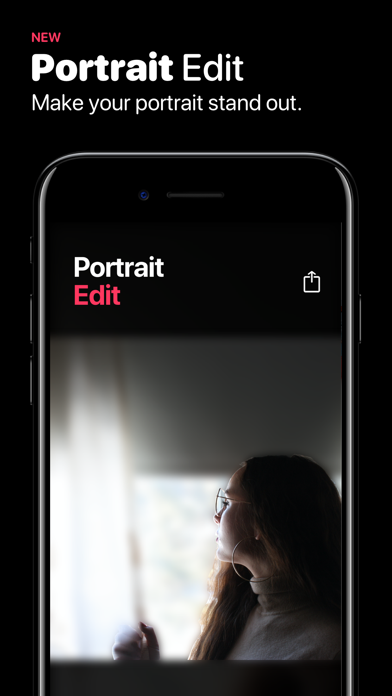

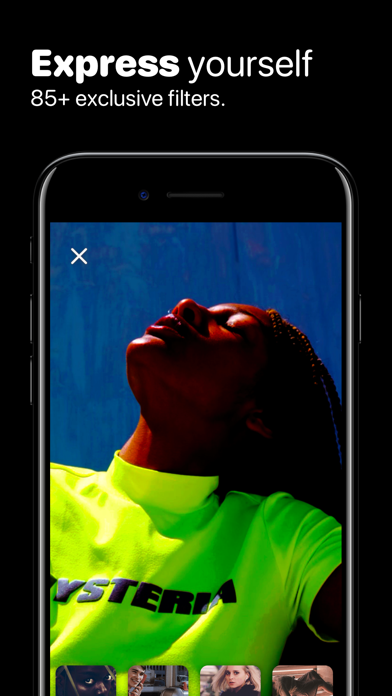
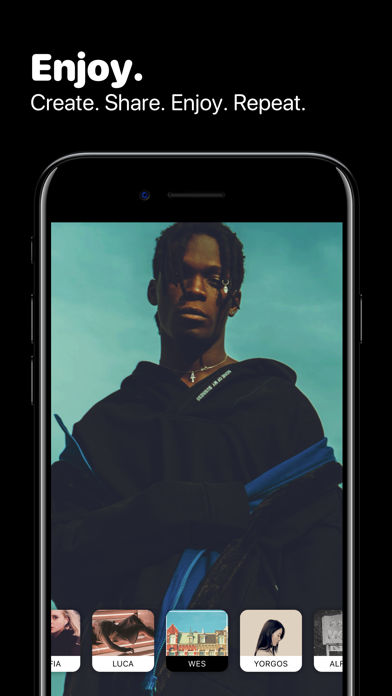

90+ Filters
Constantly updated artistic, aesthetic, and trend-following filters. From subtle fades to bold color shifts — find the look that fits your style. New filters are added regularly.
Glitch effects
Add digital distortion, RGB splits, and scan-line artifacts to give your photos an unmistakable edge.
Neon effects
Light up your photos with vibrant neon tints and glow overlays. Perfect for night shots and moody edits.
AR Masks
Try on augmented reality masks that track your face in real time. Snap a selfie with a new look — no extra app needed.
Depth Effect
Turn any Portrait Mode photo into a professional-looking shot with realistic background blur. The depth effect reads the Portrait Mode depth map to separate your subject from the background — just like a DSLR.
Works on iPhone 7 Plus and later with photos taken in Portrait Mode.
Key Features
- 90+ filters — artistic, aesthetic, and trend-following styles
- Glitch effects — digital distortion, RGB splits, scan lines
- Neon effects — vibrant tints and glow overlays
- AR Masks — face-tracking augmented reality masks
- Depth Effect — portrait-style background blur from depth data
- Tints & overlays — color grading and light leak effects
- Privacy-first — no data collected, all processing on-device
Frequently Asked Questions
What is Fade It?
Fade It is a photo filter and effects app for iPhone. It includes 90+ artistic filters, glitch effects, neon overlays, AR masks, and a depth effect for portrait-style blur.
Is Fade It free?
Yes. Fade It is free to download and use on the App Store.
What is the Depth Effect?
The Depth Effect uses Portrait Mode data to add a realistic background blur to your photos. It works on devices with Portrait Mode (iPhone 7 Plus and later) and requires photos taken in Portrait Mode.
Does Fade It collect my data?
No. Fade It does not collect any personal data. All photo processing happens on your device.